Complete Guide about DNS Resolution- from basics
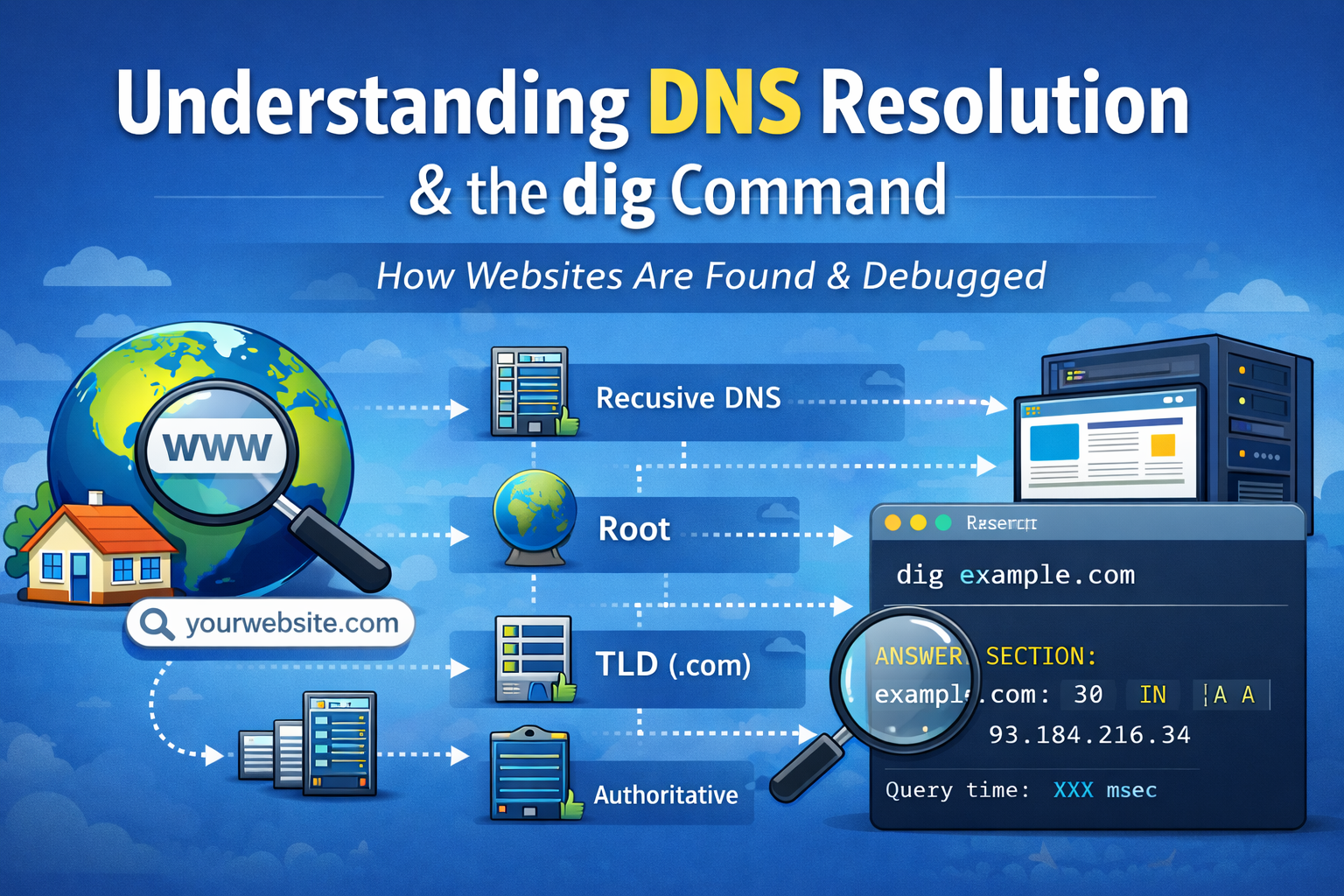
🤔 How Does the Internet Understand Website Names?
When you type a website like:
www.google.com
your browser shows the website in seconds.
But computers do not understand names like google.com.
So the big question is:
How does the browser convert a name into something the computer understands?
This process is called DNS Resolution.
📖 What is DNS and Why Name Resolution Exists?
👉 What is DNS?
DNS stands for Domain Name System
DNS is the phonebook of the internet.
📱 Real-Life Example (Very Simple)
In your mobile phone:
You save a contact as “Mom”
But the phone actually dials a number
Same idea on the internet:
| Human-friendly | Computer-friendly |
| google.com | 142.250.190.14 |
👉 Name Resolution means:
Converting a website name into an IP address
Without DNS:
- We would have to remember numbers for every website 😵
❓ Why Name Resolution Is Needed
Computers talk using IP addresses, not names.
So DNS exists to:
Make the internet easy for humans
Convert names → IP addresses
Help browsers find the correct server
📌 Name resolution is the heart of DNS.
🧭 High-Level DNS Resolution Flow

Simple Flow:
You type a website name
Browser asks DNS
DNS returns an IP address
Browser connects to the server
Website loads 🎉
🪜 DNS Resolution Step by Step (Very Simple)
Let’s understand this using an example:
Example:
www.example.com
🟢 Step 1: Browser Cache Check
First, your browser checks:
“Have I visited this website before?”
If yes → IP is already saved → website opens fast
If no → move to next step
🟢 Step 2: OS Cache Check
Your computer (Operating System) also keeps DNS records.
If found → done
If not → ask outside
🟢 Step 3: Ask Recursive DNS Resolver
Your internet provider (ISP) has a DNS resolver.
This resolver does the hard work for you.
🟢 Step 4: Ask Root DNS Server

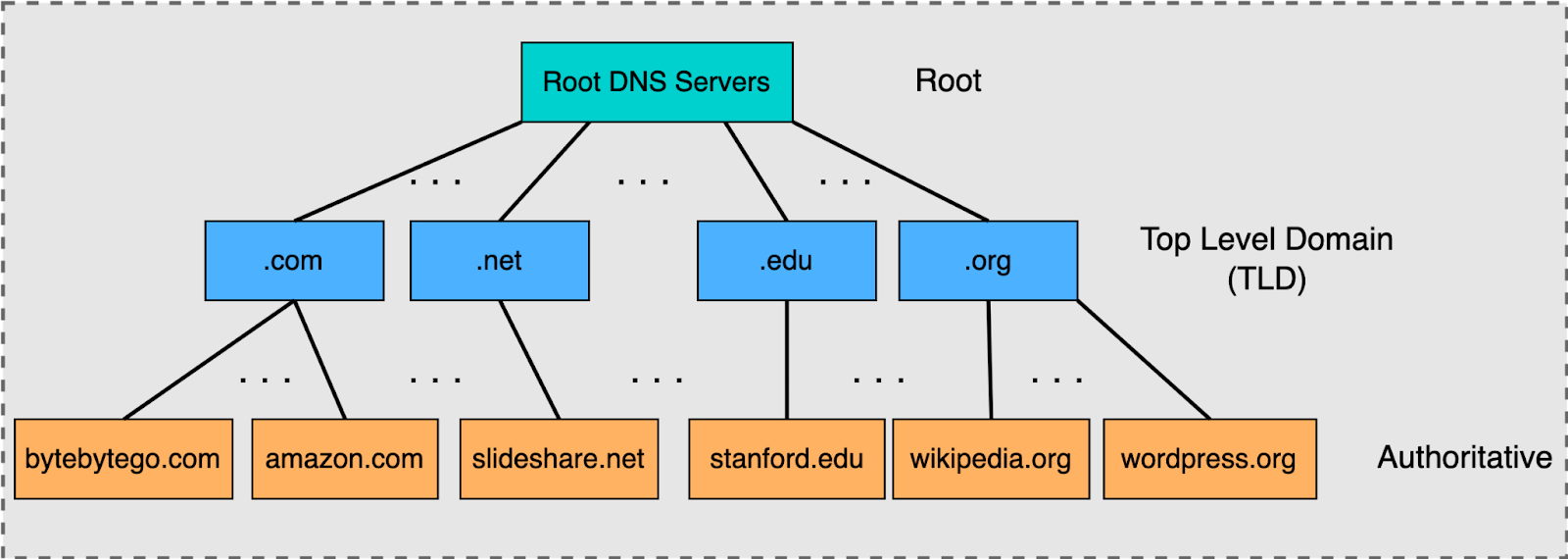
Root server replies:
“I don’t know the IP, but I know who manages
.com”
🟢 Step 5: Ask TLD Server (.com)
TLD server replies:
“I don’t know the IP, but this server manages
example.com”
🟢 Step 6: Ask Authoritative DNS Server
This server knows the final answer.
It replies:
example.com → 93.184.216.34
🟢 Step 7: Website Loads
IP address is sent back to browser
Browser connects to server
Website appears 🎉
🧠 Simple DNS Resolution Summary

Browser → DNS Resolver → Root → TLD → Authoritative → IP → Website
All this happens in milliseconds ⚡
🛠️ What is the dig Command?
👉 What does dig mean?
dig = Domain Information Groper
It is a command-line tool used to:
Ask DNS questions
See DNS resolution details
Debug DNS issues
❓ Why Do We Use dig?
dig helps developers:
Check if DNS is working correctly
See which IP a domain resolves to
Understand how DNS resolution happens
📌 It is mainly used for learning, testing, and debugging.
🧪 Simple dig Example
Command:
dig google.com
What it does:
Asks DNS: “What is the IP of google.com?”
Shows DNS response in detail
🧾 Important Parts of dig Output (Beginner Level)
You don’t need to understand everything.
Just focus on:
ANSWER SECTION → This shows the IP address
Query time → How fast DNS responded
That’s enough for beginners 👍
📦 When Should You Use dig?
Use dig when:
Website is not opening
DNS changes are not working
You want to learn DNS resolution
You want to check A, MX, TXT records
🧠 Final Thoughts (Beginner Friendly)
If DNS resolution feels confusing right now — that’s okay.
Remember:
DNS converts names → IP addresses
DNS resolution is just asking the right servers
digis a tool to see DNS answers
Once you practice a little, DNS will feel logical and simple 💙